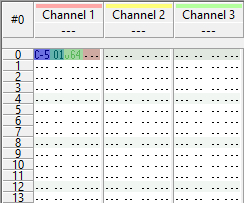
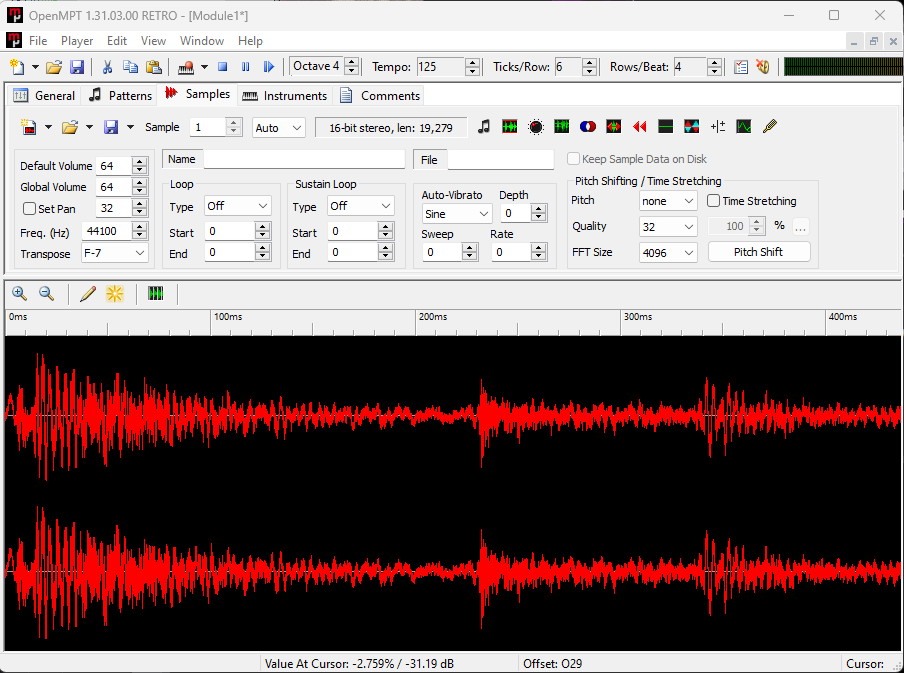
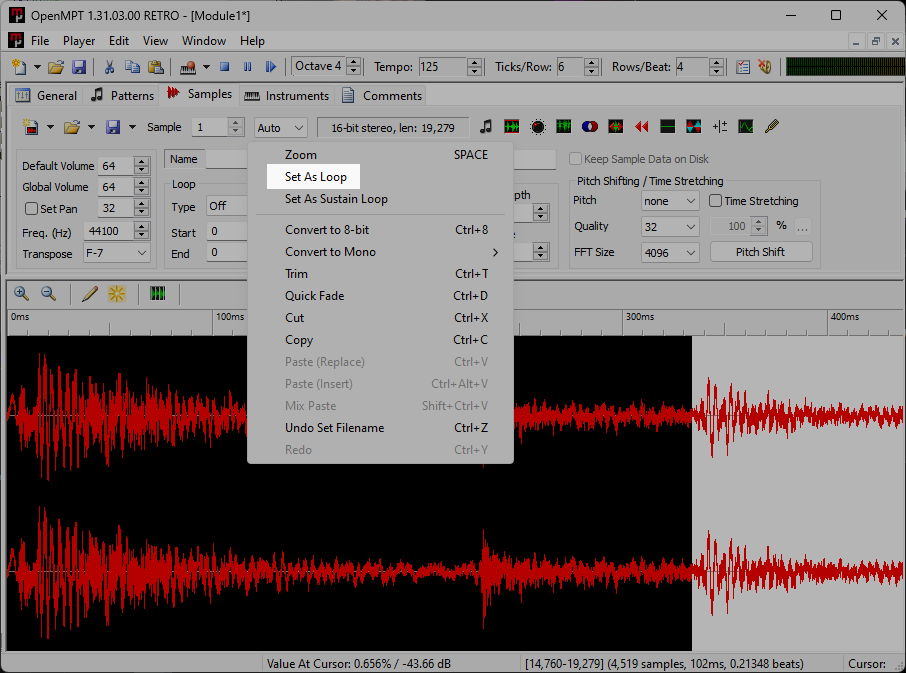
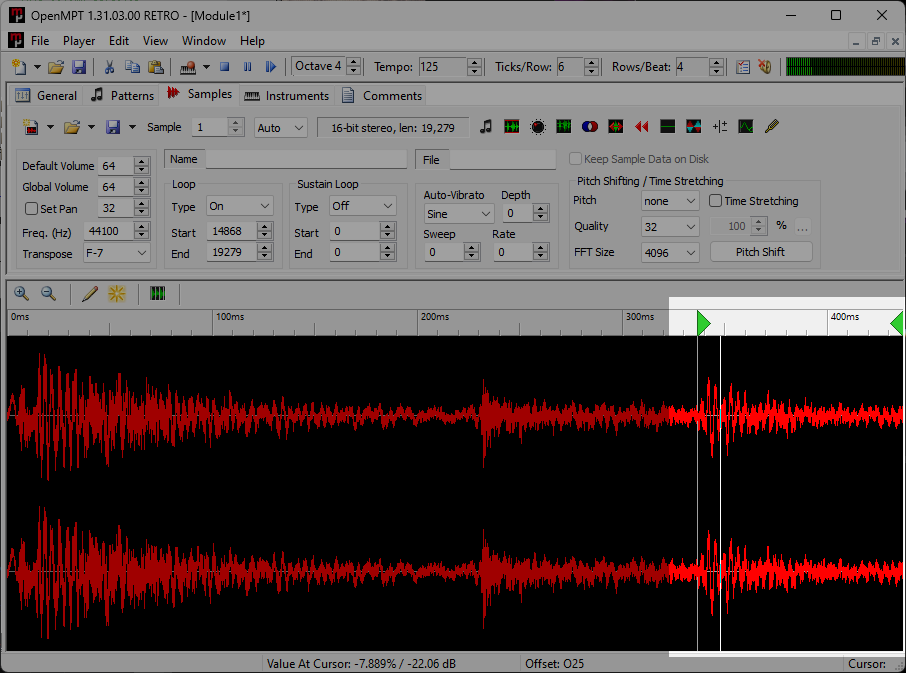
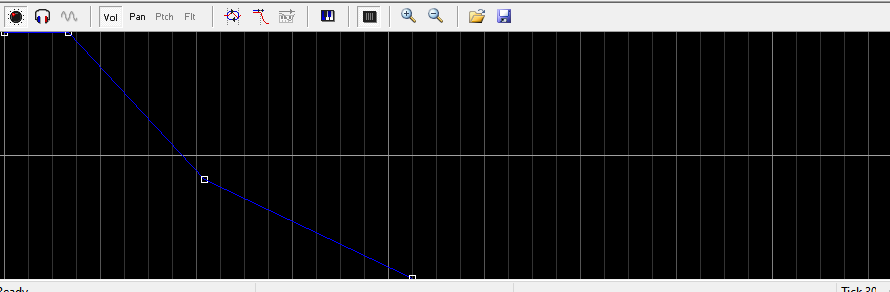
If you want to know how I made the stuff on my music page, I've been using OpenMPT for some time and some of my friends want to know how to use it. This ugly, #fffff spreadsheet is where it starts.
The goal throughout this entry is to not use the plugins rack (but there's no shame in using it. That being said, scroll to the bottom for a list of plugins I use.)
What Should I Know Before I Start Composing?
Like all software the toughest part is getting used to the UI and figuring out where everything is. There are many other tracker softwares you can use, but OpenMPT/Modplug is the one I'm most familiar with and you'll find it's a pretty intuitive app.
In my opinion if you're just starting out, you'd probably get better outcomes creating electronic music over traditional music in trackers. While chiptune and jungle modules can have around 20 or even under 10 slots of audio, it's tough to make something like tracker jazz sound believable and "not sampled" unless you record the melodies yourself. Speaking from experience at least. Tracker jazz isn't impossible, but its a novel ambition to do on this type of DAW.
At its core OpenMPT is simply a sound editor, with capabilities in general sound design outside of music. I've formatted plenty SFX loops for a couple of video game collaborations I was on using only four channels and a pattern. Or sometimes I want to format a simple tag for my other works.